
Watch live TV and recordings throughout your home.
Enjoy your local channels and recordings on the TVs and devices you already use — with one HDHomeRun for the whole house.
No subscription required for live TV or DVR
Works with the screens you already own
Watch with the free HDHomeRun app on the TVs, streaming devices, phones, tablets and computers you already use.
-
 Roku TVs and streaming players
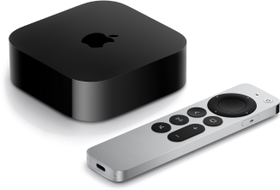 Apple TV
 Amazon Fire TV
 Google TV / Android TV
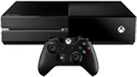 Xbox
Xbox iPhone and iPad
 Android phones and tablets
 Windows 10/11
 Apple Mac
How it works
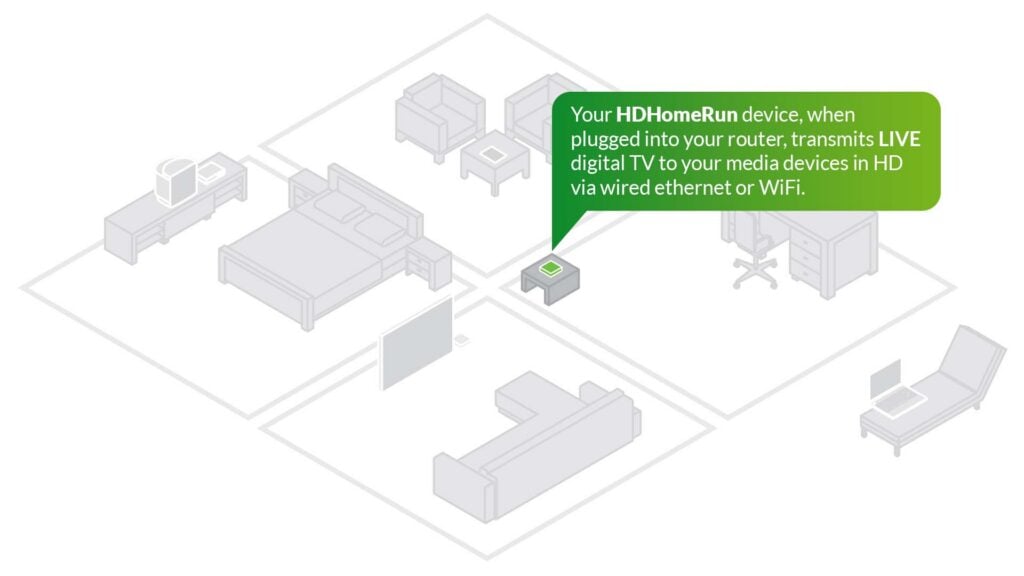
One HDHomeRun serves your whole house.
Watch your local channels on supported TVs and devices throughout your home.
Your TV antenna
Brings in your local channels
HDHomeRun FLEX
Shares live TV throughout your home
Your home router
Connects HDHomeRun to your TVs and devices
Your screens
TVs, streaming devices, phones, tablets and computers
1. Connect your antenna
Plug your TV antenna cable into HDHomeRun.
2. Connect HDHomeRun to your router
Plug HDHomeRun into your router. This makes it available to TVs and devices connected by Wi‑Fi or Ethernet.
3. Open the HDHomeRun app
Install the free HDHomeRun app. It finds your HDHomeRun automatically, so you can start watching.
Want DVR?
Plug a USB hard drive into your HDHomeRun to record shows and pause or rewind live TV.
What you need
- A TV antenna
- A home router
- A supported TV or viewing device
- A USB hard drive only if you want DVR recording
Antenna and optional USB hard drive sold separately. Requires a home router and supported viewing device.
Your DVR isn’t tied to one TV.
Add a USB hard drive and record shows for the whole house, not just one TV.
- Record your favorite shows and movies to a drive you own.
- Watch your recordings on any supported screen in your home.
- Pause and rewind live TV.
- Add more recording space later if you need it.
- No subscription required for recording and playback.
Add extended TV guide and advanced series recording for $35 / year (£35 in the UK).
Which HDHomeRun should I buy?
HDHomeRun FLEX QUATRO for DVB-T/T2 is the HDHomeRun model for the UK, Europe, Australia and New Zealand.
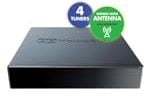
HDHomeRunFLEX QUATRO (HDFX-4DT)
4 channels at once
Watch or record up to four channels at the same time.
- DVB-T and DVB-T2 antenna TV, including Freeview HD
- Unencrypted DVB-C digital cable TV
- Watch throughout your home
- Add a USB hard drive for DVR
- No subscription required for live TV or DVR
- 2-year warranty
- Free HDHomeRun apps
- Choose where to buy your HDHomeRun: Where to Buy
In the United States or Canada? See HDHomeRun for the United States and Canada
Detailed specifications
| Specification | FLEX QUATRO (HDFX-4DT) |
|---|---|
| Tuners | 4 |
| Channels at the same time | 4 |
| Free antenna TV (DVB-T/T2) | ✓ |
| Unencrypted digital cable TV (DVB-C) | ✓ |
| Live TV throughout your home | ✓ |
| Watch on TVs, streaming devices, phones, tablets and computers | ✓ |
| DVR with USB hard drive | ✓ |
| Plays on DLNA smart TVs and media players | ✓ |
| DVR recording without subscription | Yes |
| Buy | Buy |
One app for live TV and recordings
Use the same free HDHomeRun app throughout your home. Install it, open it, and start watching.
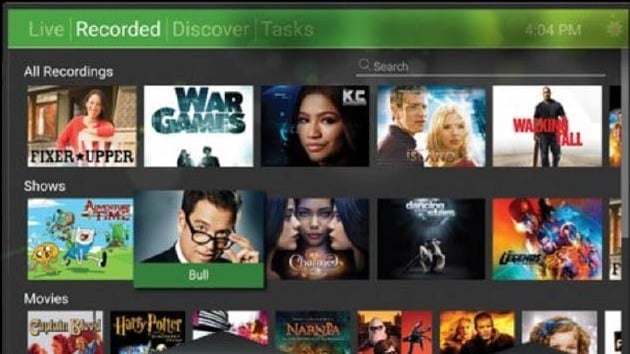
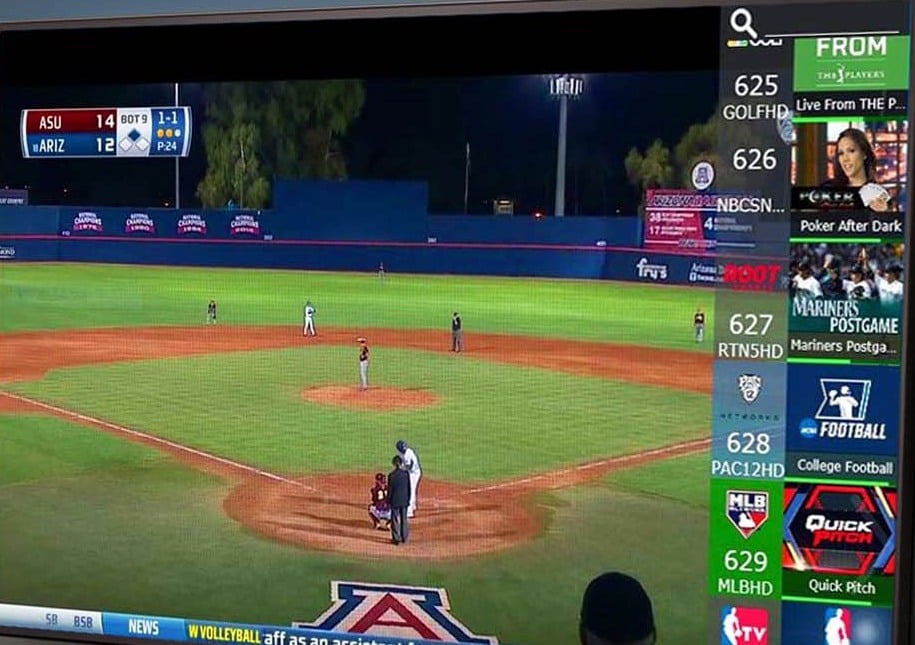
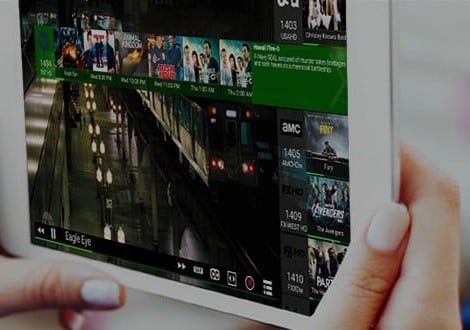

Live TV and DVR throughout your home.
Supported devices
The free HDHomeRun app is available on the platforms below. Some older device models may not be supported.
Roku
- Roku televisions
- Roku streaming players
Apple
- Apple TV
- iPhone and iPad
- Mac
Amazon
- Fire TV televisions
- Fire TV streaming devices
Google / Android
- Google TV and Android TV televisions and streaming devices
- Android phones and tablets
Microsoft
- Windows 10/11
- Xbox One and above
- Surface tablets
Start simple. Add more when you need it.
Watch or record more channels at once
If your household needs more channels at the same time, add another HDHomeRun. The app combines them automatically.
More recording space
Need more room for recordings? Add more storage, or use a compatible Windows PC, Mac or network storage device.
Use the TV apps you already like
Already use Plex, Emby or Channels? They can use HDHomeRun for live TV too. Many compatible smart TVs and media players can also play HDHomeRun channels directly.



Made for DVB-T/T2 television
DVB-T and DVB-T2 are the terrestrial television broadcast standards used in the UK, Europe, Australia, and New Zealand.
HDHomeRun HDFX-2US, HDFX-4US and HDFX-4K products are designed for countries that use the ATSC television standard and will not work in the UK, Europe, Australia, or New Zealand.