
Watch live TV and recordings throughout your home.
Enjoy your local channels and recordings on the TVs and devices you already use — with one HDHomeRun for the whole house.
No subscription required for live TV or DVR
Works with the screens you already own
Watch with the free HDHomeRun app on the TVs, streaming devices, phones, tablets and computers you already use.
-
 Roku TVs and streaming players
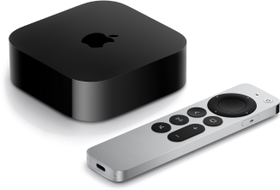 Apple TV
 Amazon Fire TV
 Google TV / Android TV
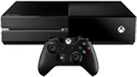 Xbox
Xbox iPhone and iPad
 Android phones and tablets
 Windows 10/11
 Apple Mac
How it works
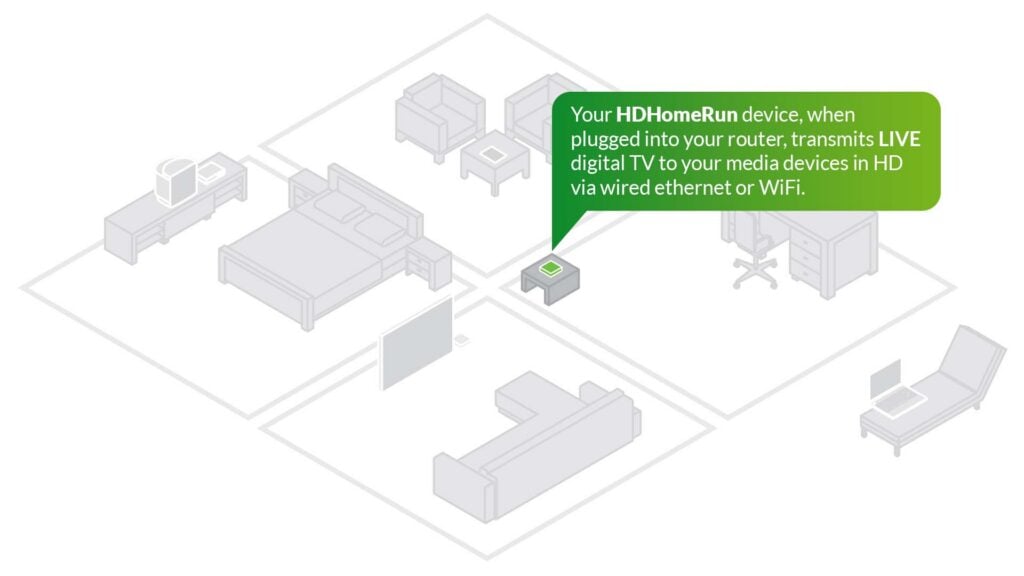
One HDHomeRun serves your whole house.
Watch your local channels on supported TVs and devices throughout your home.
Your TV antenna
Brings in your local channels
HDHomeRun FLEX
Shares live TV throughout your home
Your home router
Connects HDHomeRun to your TVs and devices
Your screens
TVs, streaming devices, phones, tablets and computers
1. Connect your antenna
Plug your TV antenna cable into HDHomeRun.
2. Connect HDHomeRun to your router
Plug HDHomeRun into your router. Your TVs and devices can then watch over Wi‑Fi or Ethernet.
3. Open the HDHomeRun app
Install the free HDHomeRun app. It finds your HDHomeRun automatically, so you can start watching.
Want DVR?
Add a USB hard drive to record shows and pause or rewind live TV.
What you need
- A TV antenna
- A home router
- A supported TV or viewing device
- A USB hard drive only if you want DVR recording
Antenna and optional USB hard drive sold separately. Requires a home router and supported viewing device.
Your DVR isn’t tied to one TV.
Add a USB hard drive and record shows for the whole house, not just one TV.
- Record your favorite shows and movies to a drive you own.
- Watch your recordings on any supported screen in your home.
- Pause and rewind live TV.
- Add more recording space later if you need it.
- No subscription required for recording and playback.
Optional Advanced Guide features add longer-range guide information and automatic recording for series and teams.
Which HDHomeRun should I buy?
Every FLEX gives you the same HDHomeRun experience. Choose based on how many channels your household may want to watch or record at once, and whether you want NEXTGEN TV.
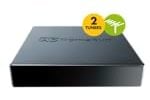
HDHomeRunFLEX DUO
$109.99
2 channels at once
Watch or record any two channels at the same time.
- Free local antenna TV
- Watch throughout your home
- Add a USB hard drive for DVR
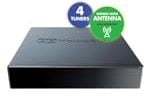
HDHomeRunFLEX QUATRO
$149.99
4 channels at once
Watch or record up to four channels at the same time.
- Free local antenna TV
- Watch throughout your home
- Add a USB hard drive for DVR
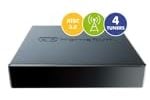
HDHomeRunFLEX 4K
$199.99
4 channels + NEXTGEN TV
Watch or record up to four channels at once. Two of those can also receive NEXTGEN TV.
- Free local antenna TV
- NEXTGEN TV where available
- Watch throughout your home
- Add a USB hard drive for DVR
Some ATSC 3.0 broadcasts use DRM and may not currently be viewable with HDHomeRun. Where an ATSC 1.0 version is available, HDHomeRun uses that version instead. Read the details.
- No subscription required for live TV or DVR
- 2-year warranty
- Free HDHomeRun apps
- Buy direct from Silicondust or other retailers
Compare detailed specifications
| Specification | FLEX DUO | FLEX QUATRO | FLEX 4K |
|---|---|---|---|
| Price | $109.99 | $149.99 | $199.99 |
| Tuners | 2 | 4 | 4 |
| Channels at the same time | 2 | 4 | 4 |
| Free antenna TV (ATSC 1.0) | ✓ | ✓ | ✓ |
| NEXTGEN TV (ATSC 3.0) | ✓ on 2 of the 4 tuners | ||
| Live TV throughout your home | ✓ | ✓ | ✓ |
| Watch on TVs, streaming devices, phones, tablets and computers | ✓ | ✓ | ✓ |
| DVR with USB hard drive | ✓ | ✓ | ✓ |
| Plays on DLNA smart TVs and media players | ✓ | ✓ | ✓ |
| DVR recording without subscription | Yes | Yes | Yes |
| Buy direct | Buy | Buy | Buy |
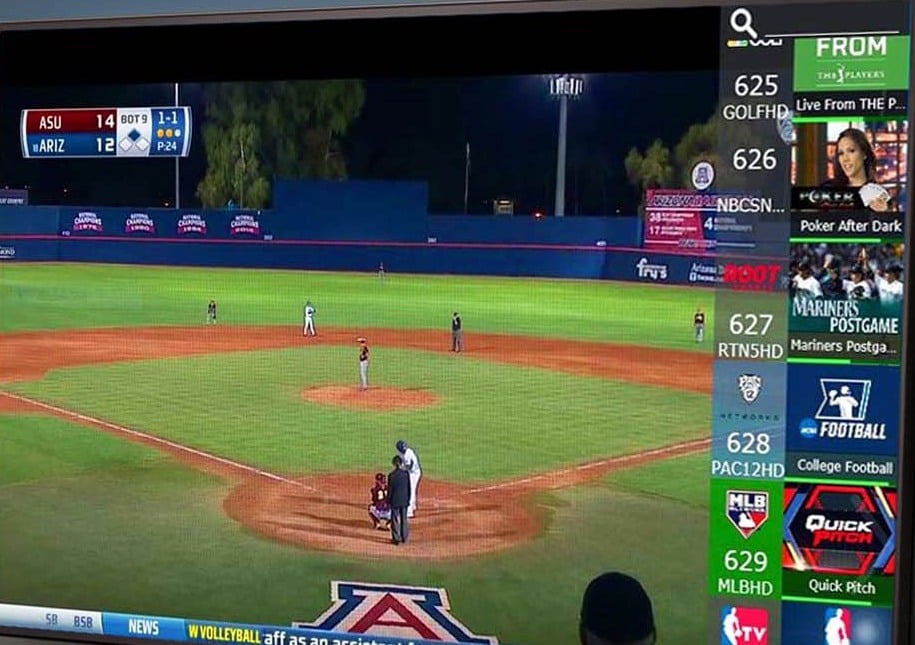
Watch your local antenna channels
Watch local news, sports, weather and entertainment available free over the air in your area. The channels you receive depend on your location and antenna reception.


Sample channels shown.
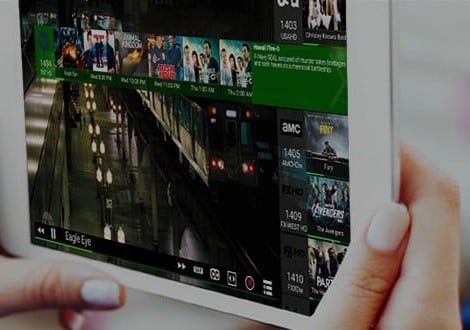
One app for live TV and recordings
Use the same free HDHomeRun app throughout your home. Install it, open it, and start watching.
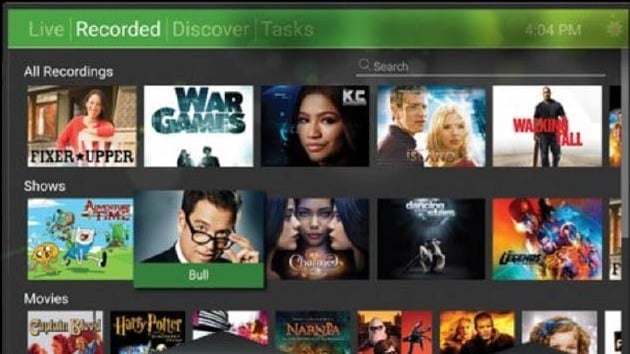

Live TV and DVR throughout your home, from $109.99.
Supported devices
The free HDHomeRun app is available on the platforms below. Some older device models may not be supported.
Roku
- Roku televisions
- Roku streaming players
Apple
- Apple TV
- iPhone and iPad
- Mac
Amazon
- Fire TV televisions
- Fire TV streaming devices
Google / Android
- Google TV and Android TV televisions and streaming devices
- Android phones and tablets
Microsoft
- Windows 10/11
- Xbox One and above
- Surface tablets
Start simple. Add more when you need it.
Watch or record more channels at once
If your household needs more channels at the same time, add another HDHomeRun. The app combines them automatically.
More recording space
Need more room for recordings? Add more storage, or use a compatible Windows PC, Mac or network storage device.
Use the TV apps you already like
Already use Plex, Emby or Channels? They can use HDHomeRun for live TV too. Many compatible smart TVs and media players can also play HDHomeRun channels directly.



NEXTGEN TV (ATSC 3.0) on HDHomeRun FLEX 4K
FLEX 4K receives NEXTGEN TV channels where available. NEXTGEN TV availability varies by area and by station.
ATSC 3.0 DRM
Some ATSC 3.0 channels may be DRM encrypted and will not work at this time. If an ATSC 3.0 channel is DRM encrypted the HDHomeRun FLEX 4K will use the ATSC 1.0 version of the channel. DRM encryption is used by select broadcasters to block out-of-home viewing, limit what player devices can be used to watch TV, enforce that the original tuner hardware is always present to view recordings, and to block third party apps. Optionally a broadcaster can force recordings to expire after a period of time and/or block recording completely.